Watching together: safer streaming for young children
Streaming services offer a vast array of children’s content. Co‑viewing—watching with your child—turns passive viewing into an interactive learning experience and helps you keep them safe.
Co‑viewing questions and pauses
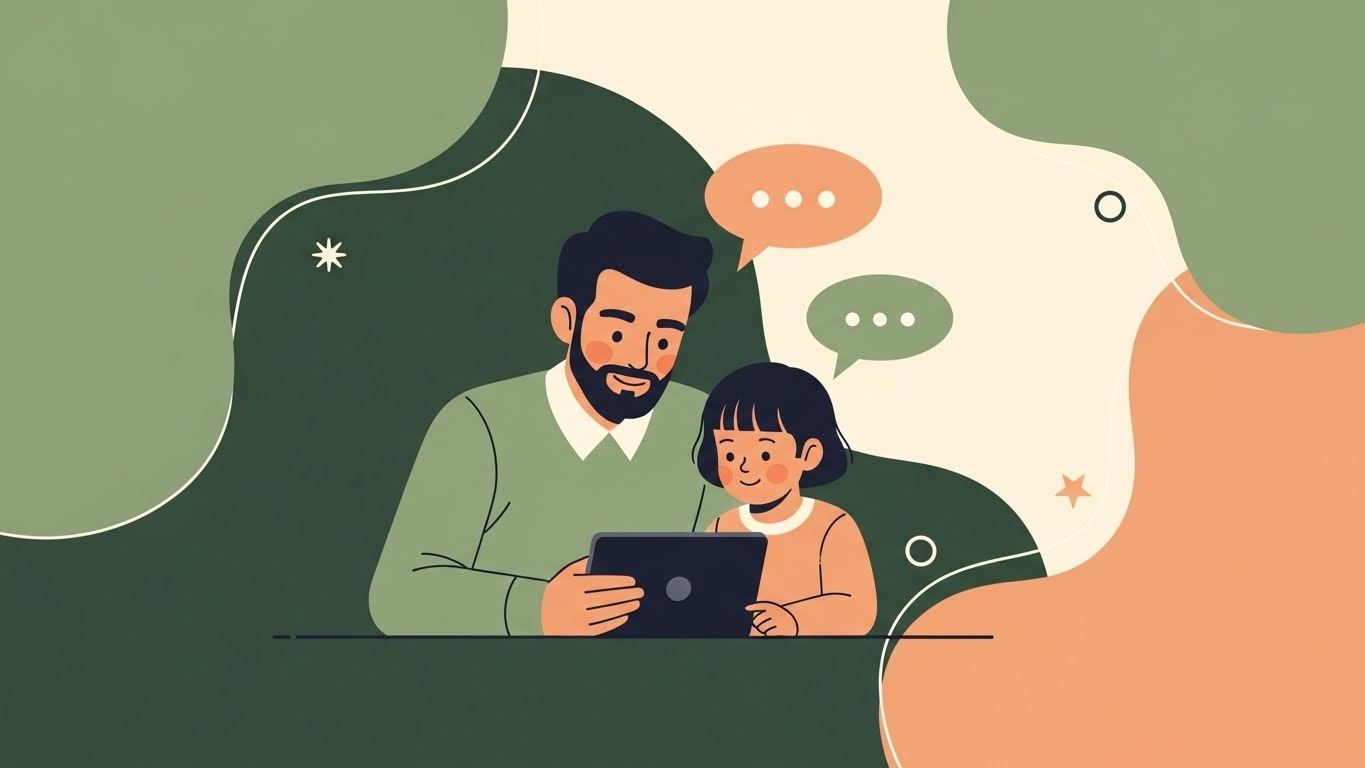
Before pressing play, choose a program with a slow pace, clear storyline and positive messages. Sit with your child and engage actively. Ask simple questions: “What do you think will happen next?” “How does that character feel?” Point out real‑world connections. Pause the program to discuss confusing or exciting parts. Use subtitles to reinforce language and encourage your child to repeat new words. Finish by summarising what you watched and inviting your child to retell the story.
Profiles, search settings and timers
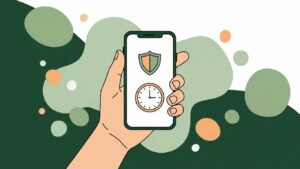
Create a child profile on streaming platforms and use age‑appropriate settings to filter content. Turn off autoplay to prevent continuous viewing and set a timer for the length of one or two episodes. Choose services that offer ad‑free, quality children’s programming and avoid platforms with excessive ads or questionable content. Remind children that screen time ends when the show ends and follow through consistently.
Autoplay on versus mindful endings
Autoplay can lead to prolonged viewing and takes control away from the viewer. By turning off autoplay, you give your child time to process what they have seen and transition to another activity. Ending a viewing session mindfully helps children learn to regulate media use and reduces meltdowns when the screen turns off. Replace the next episode with an off‑screen activity like drawing a picture of the characters or acting out the story.
References: AAP HealthyChildren – Co‑viewing and quality content; YouTube Kids – Parental control information; CPS – Screen use and young children[10].

Choosing high-quality apps for early learners